Trace, Copy, Cover & Write
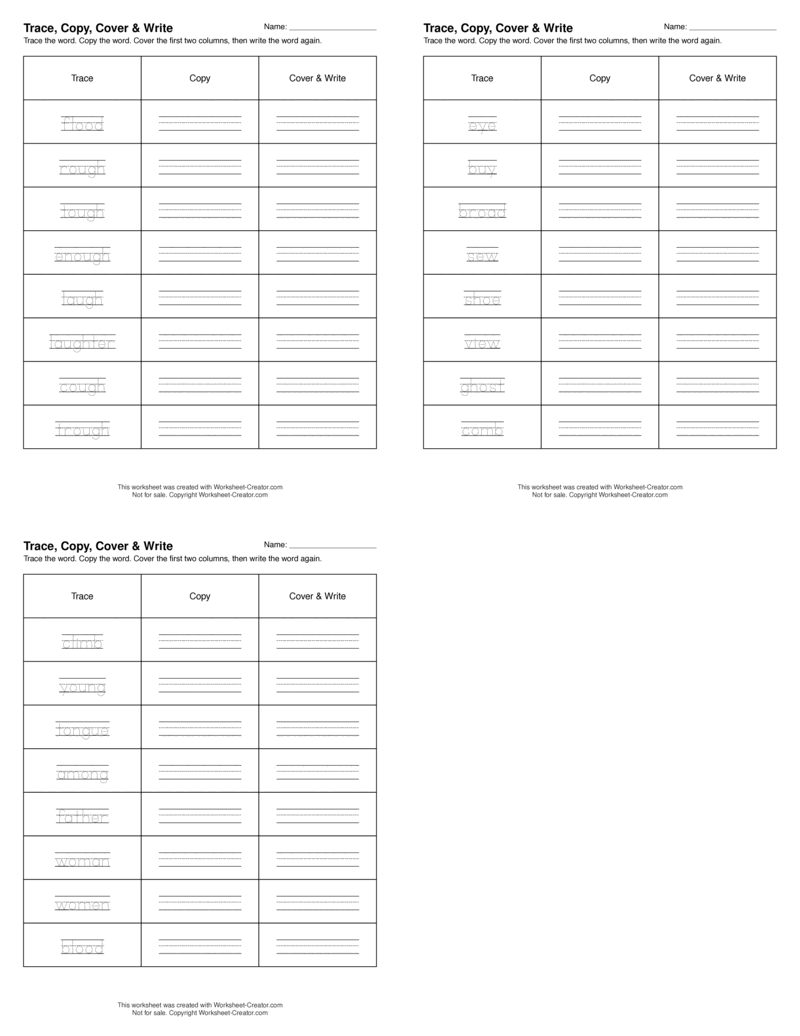
created with our word tracing generator.
Create a worksheet with this template.
Learn about the trace, copy, cover & write strategy that elementary students can use to help with their spelling. Our word tracing generator makes it easy to create custom trace and write worksheets for your classroom.
What is Trace, Copy, Cover & Write?
Trace, copy, cover & write (also known as Trace, Copy, Cover & Closed, TCCCC) is a great technique for children in grades Kindergarten to 3rd grade to use in the classroom and at home when practicing spelling.
Teachers can use this method to help students reinforce their weekly words and overcome any spelling errors they may have made in writing work. With our trace generator, you can quickly create worksheets that guide students to trace the words and practice their spelling.
How do we use the Trace, Copy, Cover & Write method in English and Language Arts (ELA)?
Trace, copy, cover & write is a method of learning spelling, where children:
- Trace the words with a pencil on the lined version of the word in the first column
- Copy the word into the second column, while looking at the first column as a reference
- Cover the first two columns with a piece of paper
- Write the word in the third column, spelling it from memory
- Remove the cover and check to see if they got it right
Why is the Trace, Copy, Cover & Write method used in elementary school?
Learning spelling is an important part of English and Language Arts (ELA), and is a critical component of Science of Reading. An increasing body of research indicates that a research-based spelling curriculum assists children in developing Phonemic Awareness (PA) and phonics skills, which contributes to reading and writing fluency later in life. Learning to spell helps children read and write more effectively.
The Trace, Copy, Cover & Write method helps children reinforce how to write the word correctly through repetition. By tracing the word first, it allows them to copy the reference. In copy, they are wiring the neurological pathway for writing the word without a guide. In cover and write, they are writing the word entirely from memory.
And while Trace, Copy, Cover & Write helps improve handwriting, the act of improving handwriting has a number of other benefits at many grade levels. Learn more about the research behind the benefits of handwriting.
How can I make a trace, copy, cover & write worksheet?
Worksheet Creator is a powerful word tracing generator that allows teachers to create trace, copy, cover & write worksheets for their students. Our trace generator makes it simple to create trace and write activities that help students learn spelling.
Simply enter the words you want to include in a worksheet, choose one of the Trace, Copy, Cover & Write templates, and download the worksheet. Students will trace the words in the first column, then copy and write from memory.
Then, customize the font to be lined or cursive based on your preference.
What do the different font types look like?
Here is a preview of the different font types: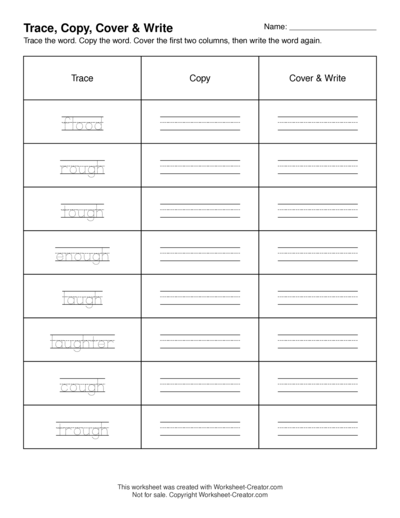
Lined with printed trace lines
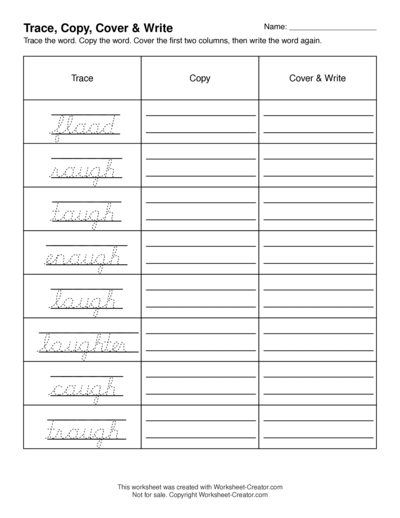
Lined with cursive trace lines
I want students to write longer cursive sentences. How can I do that?
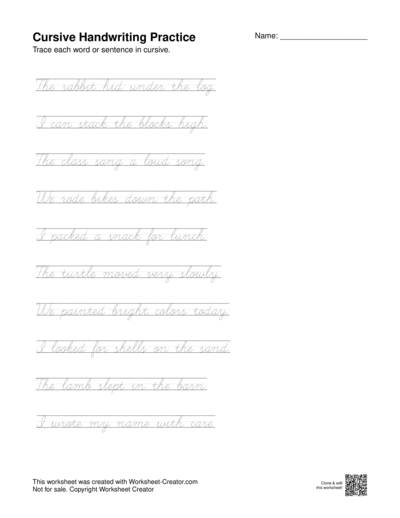
Take a look at our Cursive Handwriting Practice worksheet template to help students practice writing longer cursive sentences. This worksheet template lets you enter longer sentences, and focuses on cursive
Can I buy Trace, Copy, Cover & Write Worksheets that other teachers have created?
Yes! See our Trace, Copy, Cover & Write Worksheet Store, created by other teachers. These worksheets were created using our word tracing generator and trace generator tools. You can customize your own trace and write worksheets based on any of these templates as well.
Video resources
This video explains how to use Trace, Copy, Cover & Write: